GDTF Hub - An Independent Resource for GDTF & MVR News, Tools, and Documentation.


Latest news

Lightwright Joining the MVR&GDTF Ecosystem

Lightwright, the popular lighting data and paperwork tool, has announced support for the MVR scene format. This update allows users to export lighting designs in MVR for seamless compatibility with industry-standard visualization and previsualization software, making it easier than ever to share work across platforms.

Posted January 6, 2026  ‐ Categories: MVR

GDTF Share Report for December 2025

GDTF Share report for the month of December 2025

Posted January 1, 2026  ‐ 1 min read  ‐ Categories: GDTF, GDTF Share

Richard Cadena: A GDTF Workflow: How It Works and Why It Matters

Richard is describing on his website how the GDTF and MVR workflow is becoming an integral part of the industry. 'The first time I imported the MVR file, I thought it didn’t work. It took me a while to figure out what was going on. I went back into the Patch window and eventually realized that there were so many objects that I had to scroll way down the patch to find the fixtures, which included the Fixture ID and DMX address. You can read the full article on LSA.

Posted December 26, 2025  ‐ Categories: Vectorworks, MVR, MA Lighting, GDTF


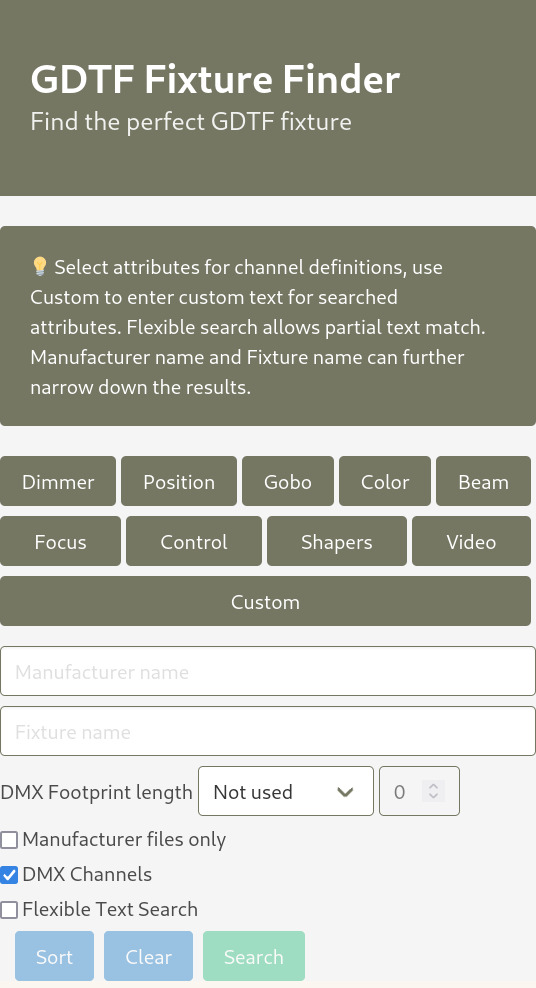
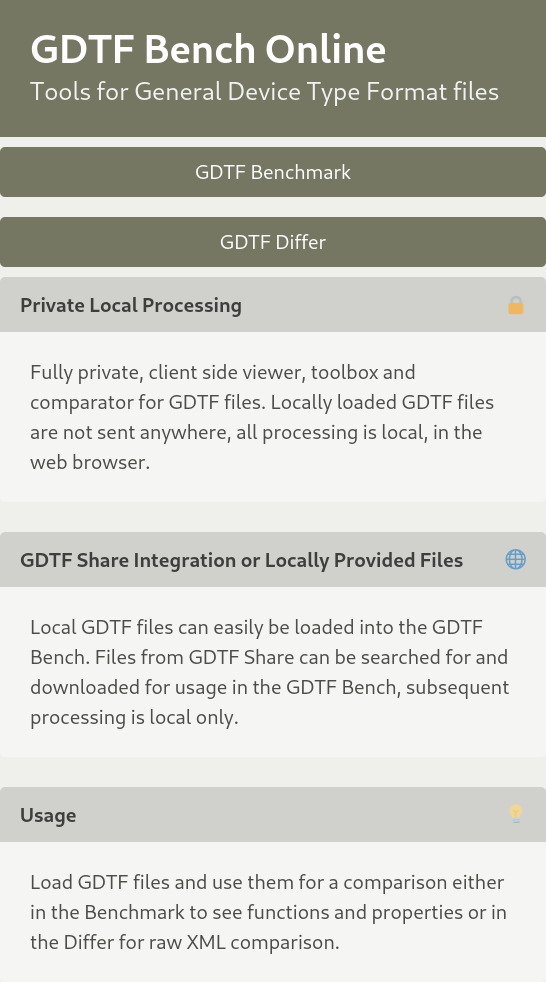
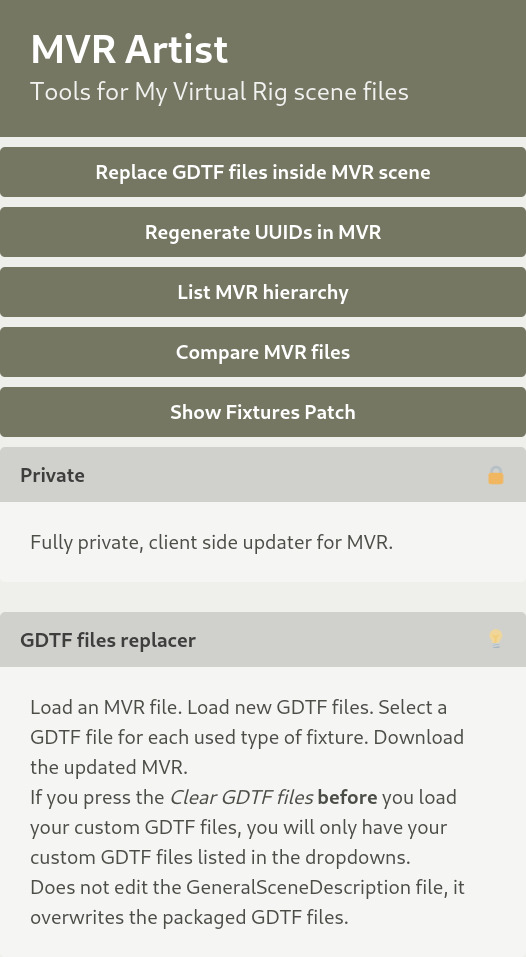
GDTF Hub Projects

GDTF & MVR

GDTF: The General Device Type Format is an open standard for describing devices of the entertainment industry. These devices may be lighting fixtures, trusses, distribution boxes, media servers, lasers or other devices used in the entertainment industry. This documentation describes DIN SPEC 15800:2022-02 also known as GDTF Version 1.2.

MVR: The My Virtual Rig file format is an open standard which allows programs to share data and geometry of a scene for the entertainment industry. A scene is a set of parametric objects such as fixtures, trusses, video screens, and other objects that are used in the entertainment industry. This documentation describes DIN SPEC 15801:2023-12 also known as MVR Version 1.6.


Describing devices of the entertainment industry

DMX Modes

Fixtures can have many modes which change its available capabilities. These are all specified in a single file.

Channel Mappings

Channel mappings available in the fixture are associated with which values produce which responses.

Color & Gobo wheels

Bundled image files provide gobo patterns and color mappings define virtual or physical color wheels.

Fixture Geometry

Bundeled glTF, glb or 3DS files specify the specific geometry of lighting fixtures. Fixture functions are tied to these models.

Color Information

sRGB, ANSI standard, and ProPhoto values can be used to specify the calibrated color space of the light.

Physical properties

Power consumption, weight, operating temperature, and more specify the physical properties of a fixture.


Describing the entertainment scene

Scene description

Scenes are organized into groups, layers and child lists of objects with custom classing, positions, rotations, geometries, addresses and connections.

GDTF Fixture

Using the GDTF Specification, detailed description of lighting fixtures, trusses, distribution boxes, lasers and other devices is possible.

Symbol reuse

Objects can be defined as symbols and inserted into the scene multiple times with instance specific properties.

MVR xchange

MVR-xchange - allows multiple clients within the same network to share MVR files.